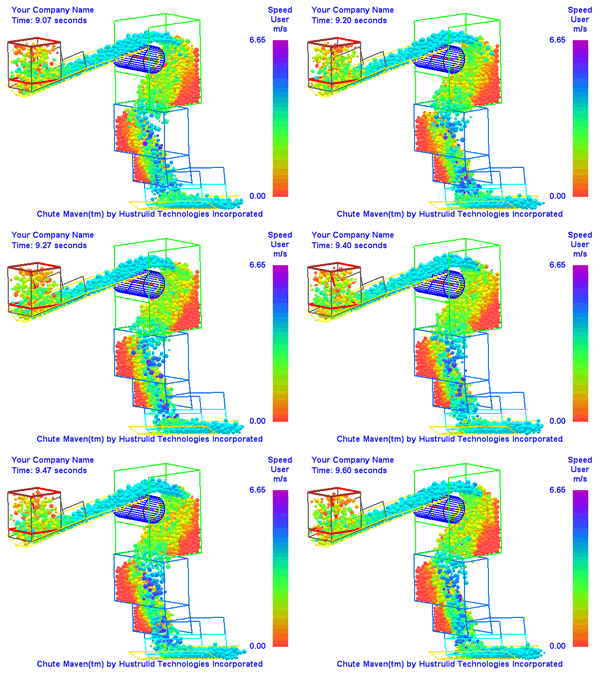
A direct path from chute geometry to material-flow review.
Chute Maven Classic for Windows keeps the setup process practical: use your AutoCAD DXF geometry, define the material and operating conditions, run the model, and review the output.
-
Prepare geometry in AutoCAD
Draw the chute, belts, pulleys, and load point at scale using supported DXF surfaces and layer conventions.
-
Import the DXF
Bring the geometry into Chute Maven Classic and confirm surfaces, orientation, belts, and injection points.
-
Define operating conditions
Set material properties, particle size, belt speed, tonnage, injection timing, and simulation controls.
-
Run the simulation
Use the current faster engine to study flow behavior and generate data for engineering review.
-
Review and iterate
Inspect the 3D results, export videos or images, and refine the chute geometry for the next pass.